How to Import AliExpress Products to Shopify in 2026 (Step-by-Step Guide)
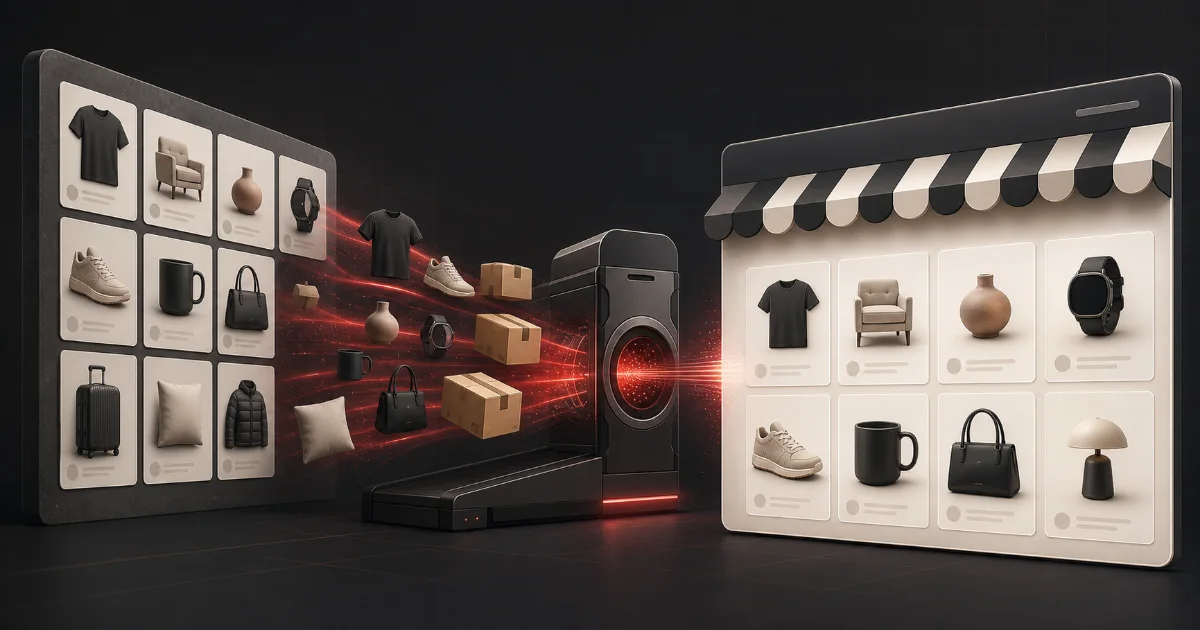
Why AliExpress Is Still the #1 Source for Shopify Dropshippers
If you are running a Shopify dropshipping store in 2026, AliExpress remains one of the most reliable and cost-effective product sources available. With millions of products across every niche — from fashion and electronics to home decor and fitness — it gives you access to a global catalog without holding any inventory.
But manually copying product titles, uploading images, and setting prices one by one is a time trap. The right import workflow can turn a 2-hour task into a 5-minute one. This guide walks you through the exact process.
What You Need Before You Start
Before importing your first product, make sure you have:
- A live Shopify store (any plan)
- Your Shopify store connected to your import tool
- An AliExpress account (free)
- A list of product URLs or a niche category you want to source from
If you are using Scalecom, you can connect your Shopify store in minutes from the Stores dashboard.
Step 1: Find Winning Products on AliExpress
Not every product is worth importing. Before you spend time building listings, validate your choices:
Look for products with:
- 500+ orders (proof of demand)
- 4.5+ star rating (quality signal)
- Multiple high-resolution images
- ePacket or AliExpress Standard Shipping to your target market
- A supplier with 95%+ positive feedback
Avoid:
- Products with blurry or heavily watermarked images
- Suppliers with fewer than 50 ratings
- Items that ship only from one country with 45+ day delivery
Pro tip: Use AliExpress bestseller lists and search filters to sort by number of orders descending. This surfaces proven sellers fast.
Step 2: Import Products with One Click
Once you have your AliExpress product URLs, paste them into your Scalecom import tool. The importer pulls:
- Title — original supplier title (you can rewrite with AI afterward)
- All product images — full resolution
- Variants — sizes, colors, and all options
- Description — supplier description as a starting point
- Price — original AliExpress price for your reference
You can import a single product or an entire AliExpress store at once. Bulk imports process in the background so you can keep working.
Step 3: Rewrite Titles and Descriptions with AI
This is where most dropshippers leave money on the table. Supplier descriptions are written for wholesale buyers, not retail customers — and Google penalises duplicate content.
Use Scalecom's AI rewrite feature to generate:
- A benefit-focused product title (includes your main keyword)
- A customer-facing description that highlights pain points and solutions
- SEO meta title and meta description
- ALT text for every image
AI rewrites take seconds and produce content that is 100% unique. This directly impacts your search rankings and conversion rate.
Step 4: Fix Your Product Images
AliExpress product photos typically have cluttered backgrounds, poor lighting, and generic model shots. These reduce buyer trust and increase bounce rate.
With AI image processing you can:
- Remove backgrounds and replace with clean white, lifestyle settings, or custom backgrounds
- Swap the model's face with AI-generated faces that match your brand identity
- Process 100+ images in a single batch
Clean product images have been shown to increase add-to-cart rates by 20–40% compared to raw supplier photos.
Step 5: Set Your Pricing
A common pricing formula for AliExpress dropshipping:
Retail Price = (AliExpress Cost + Shipping) × 2.5 to 4
For lower-cost items under $10, use a 3–4x markup. For items over $30, a 2–2.5x markup is more competitive while still leaving healthy margins.
Factor in:
- Shopify transaction fees (0.5–2% depending on your plan)
- Payment processor fees (~2.9% + $0.30 per sale)
- Ad spend (typically 20–30% of revenue if running paid ads)
- Returns and chargebacks (budget 2–5%)
Step 6: Sync to Shopify and Go Live
Once your product is edited and priced, push it to your Shopify store with one click. Scalecom syncs:
- All product data including variants
- Processed images in full resolution
- SEO fields (meta title, meta description)
- Collections and tags
Your product appears in your Shopify admin within seconds, ready to publish.
Common Mistakes to Avoid
Mistake 1: Skipping image editing. Raw AliExpress images scream "dropshipping" to experienced online shoppers. Clean images build trust.
Mistake 2: Using the supplier's title. Titles like "2024 New Fashion Women Casual Top Summer Blouse S-5XL" rank for nothing and convert nobody.
Mistake 3: Ignoring shipping times. Always display estimated delivery dates clearly. Customers who are surprised by 3-week waits leave negative reviews.
Mistake 4: Not testing products before scaling. Import 5–10 products, run small ad campaigns, and find your winners before building out 500 listings.
How Many Products Should You Import?
Quality beats quantity. A store with 50 well-optimised products — great images, rewritten descriptions, proper SEO — will outperform a store with 500 raw imports.
Start with your core niche. Import 20–30 products, optimise them fully, then expand based on which ones get traction from organic traffic and ads.
Final Thoughts
Importing from AliExpress to Shopify in 2026 is faster than ever when you have the right tools. The competitive edge no longer comes from what products you sell — almost anyone can access the same catalog. It comes from how well you present and market them.
Great images, unique descriptions, and fast SEO-optimised listings are what separate stores doing $500/month from stores doing $50,000/month.
Ready to import your first product? Connect your Shopify store to Scalecom and run your first bulk import free.
Related in-depth guides
Ready to scale your Shopify store?
Import products, prepare catalog content, manage images yourself, and improve SEO — all from one dashboard.
Start for Free